Microsoft PowerToys: the modules I cannot work without
Microsoft PowerToys is a collection of small utilities for Windows, very actively maintained on GitHub. It includes (at the time of writing):
- Color Picker
- Fancy Zones
- File Explorer add-ons
- Image Resizer
- Keyboard Manager
- Power Rename
- PowerToys Run
- Shortcut Guide
It’s open source (MIT) and a single installer pulls in everything, so even if you only want one of the modules it’s worth installing the whole thing.
PowerToys Run
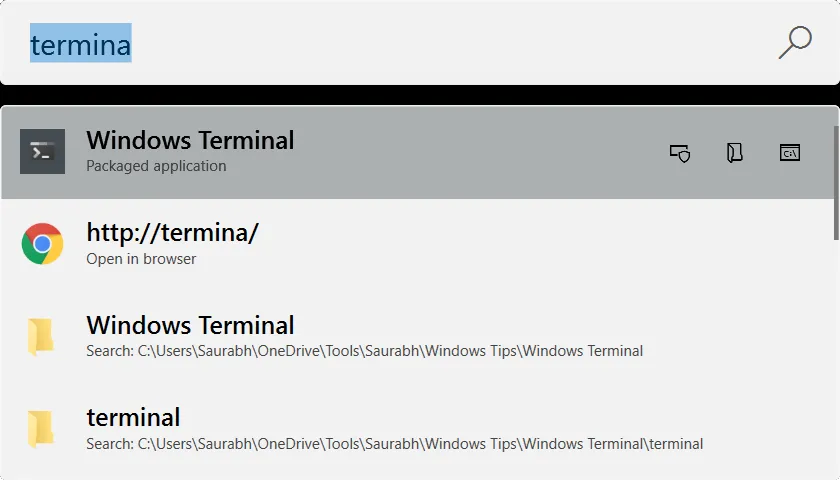
This is the module I use most. The idea is the same as the launcher tools that have been around for years (Quicksilver, Launchy, Alfred): press Alt+Space and a focused text input appears in the middle of the screen. Type the name of an app, file, or folder and hit enter.
I came across PowerToys specifically because I was looking for a replacement for Launchy, which I’d used for more than a decade but is no longer maintained. PowerToys Run can locate anything indexed by Windows Search, so if you keep a folder of portable tools (I do), just make sure that folder is in the Windows Search Index and it’ll show up.
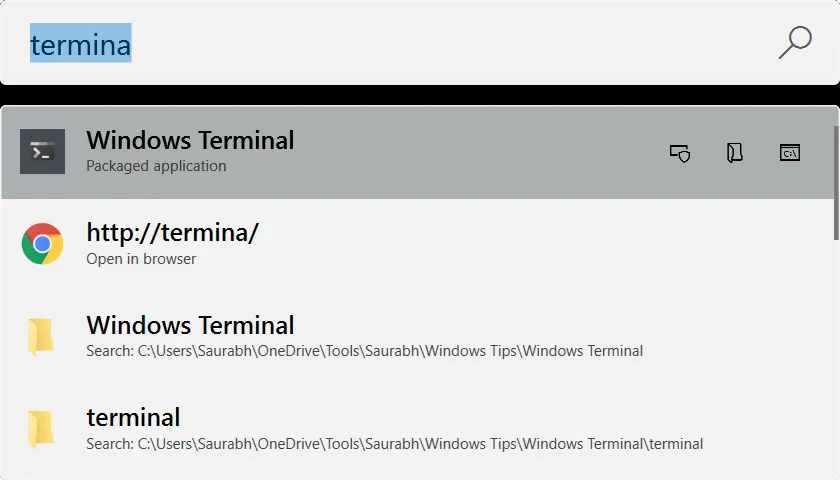
PowerToys Run.
Keyboard Manager
Useful for remapping keys on a laptop where the layout doesn’t quite suit programming or heavy text editing. I previously used SharpKeys for the same job; Keyboard Manager has replaced it.
Color Picker
I haven’t switched to it as my daily driver yet (I still use Just Color Picker), but it looks well-built and integrates nicely with the rest of PowerToys.
Other Windows tools I rely on
PowerToys is one piece of a broader toolkit I lean on every day:
- Microsoft Terminal — terminal with tabs, profiles, and proper Unicode support.
- Agent Ransack — fast file/contents search.
- Bulk Rename Utility — heavy-duty bulk renaming.
- Everything — instant file-name search across the whole disk.
- WinMerge — diff and merge tool.
- WinSCP — SFTP/SCP client.
- Notepad++ — quick edits.
- MediaInfo — inspect audio/video metadata.
- Just Color Picker — eyedropper.
- SumatraPDF — fast, lightweight PDF reader.
- Git Extensions — git GUI for the cases where the command line is awkward.
- Typora — distraction-free markdown editor.
- Audacity / Sox — audio editing.
- Draw.IO / Ipe — diagramming and figures (Ipe especially for LaTeX-bound figures).
- Advanced IP Scanner / Advanced Port Scanner — network discovery.
- Process Monitor / Process Explorer — Sysinternals process inspection.
- Dependencies — modern replacement for
Dependency Walker. - USB Device Tree View — for when a USB device misbehaves.
- TreeSize — disk-usage explorer.